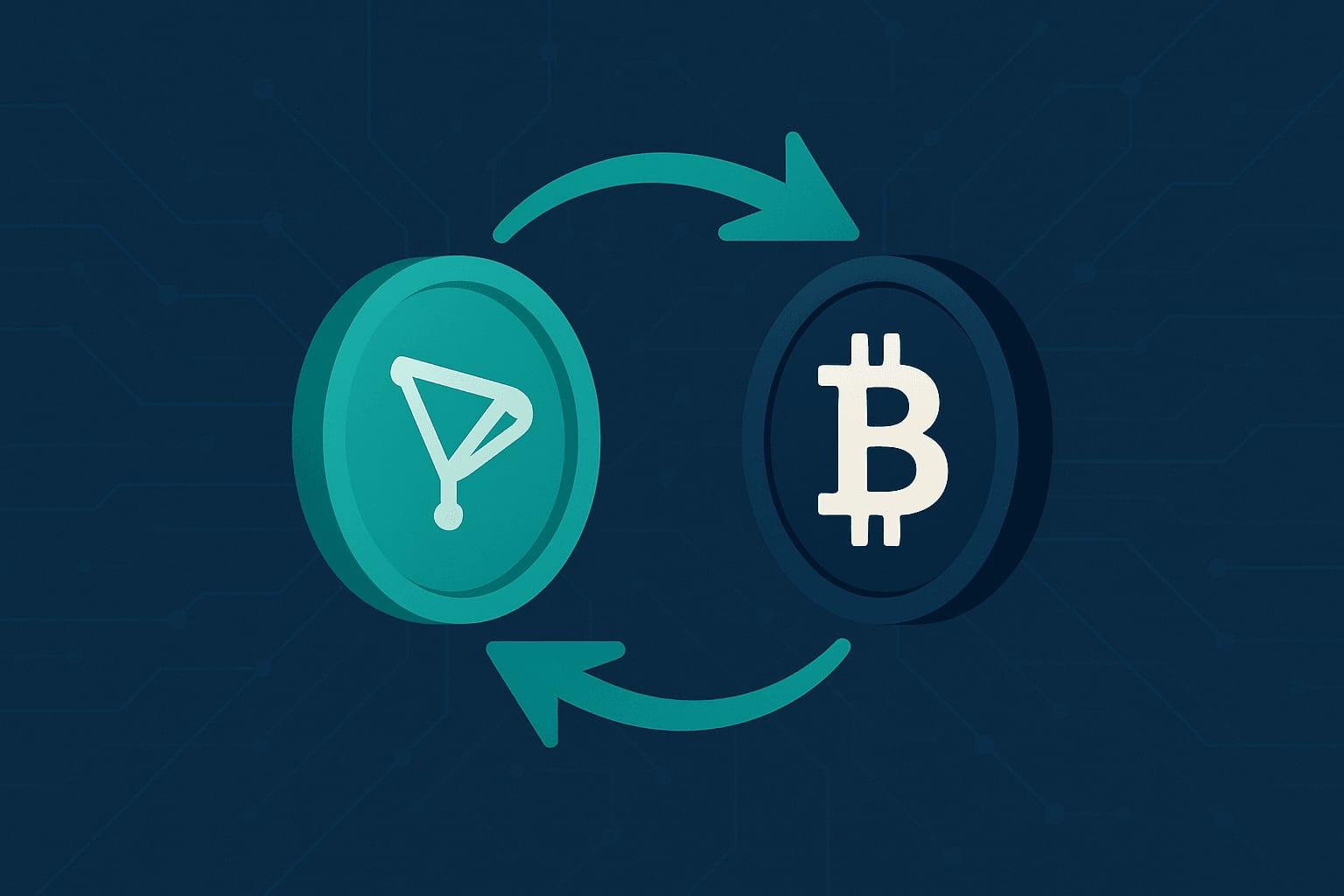
To swap TRX to BTC without KYC, open the TRX to BTC exchange, enter the amount of TRX, paste a Bitcoin address you control, and send the TRX to the deposit address shown. There is no account and no email, and the BTC is paid out straight to your wallet, typically within 5 to 30 minutes.
The rest of this guide goes through each step, explains what the rate estimate includes, compares the swap with the other ways of converting TRX to BTC, and lists the mistakes that cost people money. Each coin also has its own page: the TRON (TRX) exchange page and the Bitcoin (BTC) exchange page.
The short version
- TRX is the coin you send and BTC is the coin you receive.
- You need two things: a wallet holding TRX and a Bitcoin address of your own.
- The rate is floating. The estimate shown before you send already includes the fee and the Bitcoin payout fee.
- Tron confirms quickly, so the deposit side is fast. The BTC then needs a Bitcoin block to confirm in your wallet.
Why people swap TRX to BTC
TRX is the native coin of Tron, a network used heavily for low-cost transfers, especially of USDT. Bitcoin plays a different role: most holders treat it as a long-term store of value. Common reasons to move from one to the other:
- Turning TRX earned from staking or trading into a long-term bitcoin holding.
- Leaving the Tron ecosystem while staying in crypto.
- Reducing exposure to a single network's risks.
TRX and BTC in plain English
TRX (Tron). Blocks are produced every few seconds and transfers are cheap. TRX pays for transactions on the network and can be staked. Tron addresses start with a capital T.
BTC (Bitcoin). Blocks arrive about every ten minutes on average and the fee for a transaction depends on how busy the network is. Bitcoin addresses start with bc1, 3 or 1.
The two coins live on unrelated blockchains. You cannot send TRX to a Bitcoin address or the reverse, which is why converting one to the other always goes through an exchange of some kind.
Three ways to convert TRX to BTC
| Method | Account and ID | Who holds the funds | Steps | Main drawback |
|---|---|---|---|---|
| Centralized exchange | Account, usually with identity verification | The exchange, until you withdraw | Deposit TRX, trade, withdraw BTC | Custody, withdrawal limits and holds |
| DEX and bridge route | None, wallet connection required | You, through smart contracts | Swap to a bridgeable token, bridge, swap again | Several steps, and you usually end with wrapped BTC rather than bitcoin |
| Swap service such as SwapRocket | None for standard swaps | The liquidity provider, only while the swap runs | Enter address, send once | Floating rate; the provider can, rarely, hold a flagged transaction and ask for verification |
Centralized exchange. You deposit TRX, sell it for BTC on the order book (sometimes through USDT), and withdraw. Large exchanges have deep liquidity and extra tools. They also require an account, hold your coins while you trade, and charge for trading and withdrawal separately.
DEX and bridge route. Because Tron and Bitcoin are separate chains, an on-chain route means swapping TRX into a token that can be bridged, moving it to another chain and swapping again. It works for experienced users, and what arrives is normally a wrapped form of BTC on another network, not bitcoin in a Bitcoin wallet.
Swap service. You send TRX from your own wallet and receive BTC at your own Bitcoin address. On SwapRocket there is no account and no wallet connection. The no-KYC exchange guide explains how this model works. This is SwapRocket's own blog, so judge the comparison with that in mind.
How the swap works behind the scenes
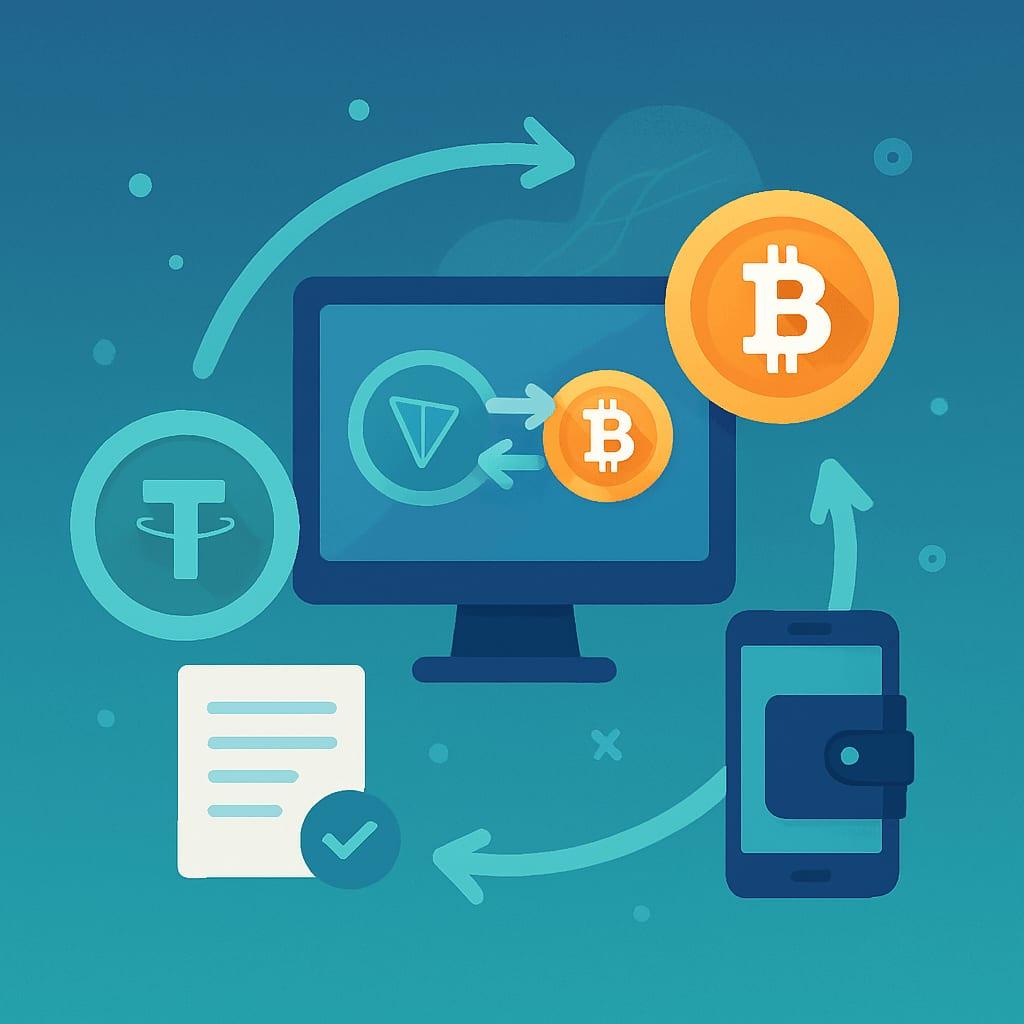
- You enter the amount of TRX and see an estimate of the BTC you will receive.
- You give the Bitcoin address for the payout.
- You are shown a Tron deposit address created for this swap.
- You send the TRX. Once the deposit confirms on Tron, a licensed liquidity provider executes the exchange.
- BTC is sent to your address.
SwapRocket never asks for access to your wallet or your keys.
Step by step: swap TRX to BTC on SwapRocket
Step 1: Get both wallets ready
You need a wallet holding TRX and a Bitcoin wallet you control, with its recovery phrase backed up. Leave a little TRX in the wallet beyond the amount you are swapping, to cover the Tron transaction fee.
Step 2: Open the pair
Go to the TRX to BTC exchange. TRX is set as the coin you send and BTC as the coin you receive.
Step 3: Enter the amount
Type the amount of TRX. The form shows the estimated amount of BTC and the minimum for the pair.
Step 4: Paste your Bitcoin address
Copy the receiving address from your Bitcoin wallet and paste it. Check that it starts with bc1, 3 or 1 and compare the first six and last six characters with the original. This is where the BTC will be delivered, and a payment to a wrong address cannot be reversed.
Step 5: Read the estimate
SwapRocket uses a floating rate. The estimate already includes the fee and the Bitcoin payout fee, and nothing is added afterwards. The final amount is set when your TRX deposit confirms, so it can differ slightly from the estimate if the market moves in between.
Step 6: Send the TRX
Create the swap, then send the amount shown to the Tron deposit address from your own wallet, in a single transaction. Let the wallet add the network fee on top; do not subtract it from the amount.
Step 7: Wait for the BTC
A typical swap takes 5 to 30 minutes. The Tron deposit confirms quickly, so most of the wait is the exchange itself and the Bitcoin payout. Your wallet may show the incoming BTC as unconfirmed until the next Bitcoin block includes it. You can close the tab; the swap continues without it.
What affects how much BTC you receive
The size of the swap. The Bitcoin payout fee is part of every estimate. On a very small swap it takes a larger share, so one swap is usually more efficient than several small ones.
Market conditions. During sharp price moves, spreads widen and a floating rate can shift between the estimate and the execution. If you are not in a hurry, swap when the market is calm.
How you compare. Compare services by the final amount of BTC that reaches your wallet, not by the headline rate. For an exchange account, that means subtracting the trading fee and the withdrawal fee as well.
SwapRocket has no fixed-rate option. More on the difference is in fixed vs floating swap rates.
Privacy and security
No account means no email, no password and no identity documents stored for a standard swap. It does not mean invisibility. Tron and Bitcoin are public ledgers, so the TRX you send and the BTC you receive can both be seen on a block explorer, and the licensed liquidity provider that executes the swap screens transactions. In rare cases it can hold a flagged one and ask for verification.
The parts you control:
- Use a reputable wallet, ideally a hardware wallet for larger amounts.
- Type the site address yourself or use a bookmark, and check the URL before sending anything.
- Verify every address after pasting it.
Common mistakes
Mixing up the networks. Send TRX only to the Tron deposit address shown for your swap, and give a Bitcoin address for the payout. A BEP20 or other wrapped version of TRX or BTC is a different asset.
Sending a different amount. If the swap says 1,000 TRX, send 1,000 TRX. An amount below the minimum cannot be exchanged automatically.
Waiting too long to send. The estimate reflects the market when you created the swap. Send soon afterwards so the figure you saw is still close to what you get.
Using an exchange deposit address as the destination without checking. If you want the BTC to land in an exchange account, confirm that the exchange accepts ordinary Bitcoin deposits at that address and note its minimum deposit. Receiving into your own wallet first is simpler to verify.
After the swap
Once you hold BTC, you can keep it, or use it as the starting point for another swap, for example on the BTC to XMR exchange, the BTC to USDT exchange, or by following the BTC to ETH swap guide.
FAQ: TRX to BTC swaps
How long does a TRX to BTC swap take?
A typical swap takes 5 to 30 minutes. Tron confirms the deposit quickly, and the BTC then needs a Bitcoin block, which arrives about every ten minutes on average, to show as confirmed in your wallet.
What is the minimum amount of TRX I can swap?
The minimum changes with network fees and liquidity. The form on the TRX to BTC exchange page shows the current minimum when you enter an amount.
Do I need an account or KYC to swap TRX to BTC?
No account or email is needed, and standard swaps need no identity check. The licensed liquidity provider that executes the swap screens transactions and can, rarely, hold a flagged one and ask for verification.
Is the TRX to BTC rate fixed?
No. SwapRocket uses a floating rate, so the final amount of BTC is set when your deposit confirms. The estimate shown beforehand already includes the fee and the Bitcoin payout fee.
What should I do if my swap is delayed?
Check the TRX transaction on a Tron explorer to confirm it was sent to the right address and has confirmed. If it has and the BTC has not arrived after a reasonable wait, write to support@swaprocket.io with the transaction ID shown on the swap page and the hash of the payment you sent.