A Monero remote node is a Monero network server your wallet connects to over a network instead of running a node on the same device. In a standard wallet connection, the node supplies blockchain data and relays transactions, while your wallet keeps its keys and calculates its balance locally. On SwapRocket, you can exchange XMR for other cryptocurrencies from your own wallet, with the swapped coins sent to the address you provide.
Key points
- A Monero node supplies blockchain data; your wallet identifies which outputs belong to you.
- A directly connected remote node operator can observe your source IP address and connection times, but a standard connection does not disclose your private keys or wallet balance.
- A fully synchronized remote node does not mean your wallet has finished scanning its blockchain data.
- A lagging node can leave your wallet displaying an outdated balance without changing your on-chain funds.
What does a Monero node do for your wallet?
A Monero node validates and shares blockchain data and relays transactions to the network. A Monero wallet uses that data to detect incoming payments, track spending, and calculate the XMR available to use.
The node software is called monerod. It communicates with other Monero nodes, checks blocks and transactions against Monero's rules, and exposes an interface that wallet software can use to request data or submit transactions.
Your wallet performs a different job: it scans blockchain data using your wallet's keys to recognize outputs belonging to you. When you spend XMR, the wallet constructs and signs the transaction, potentially using a hardware signing device, then submits it through a node for relay.
A remote node saves your device from maintaining its own node's blockchain database. It does not remove the wallet's scanning work, and it is not an account server that looks up a public address and returns a readable balance.
Should you run your own Monero node or use a remote node?
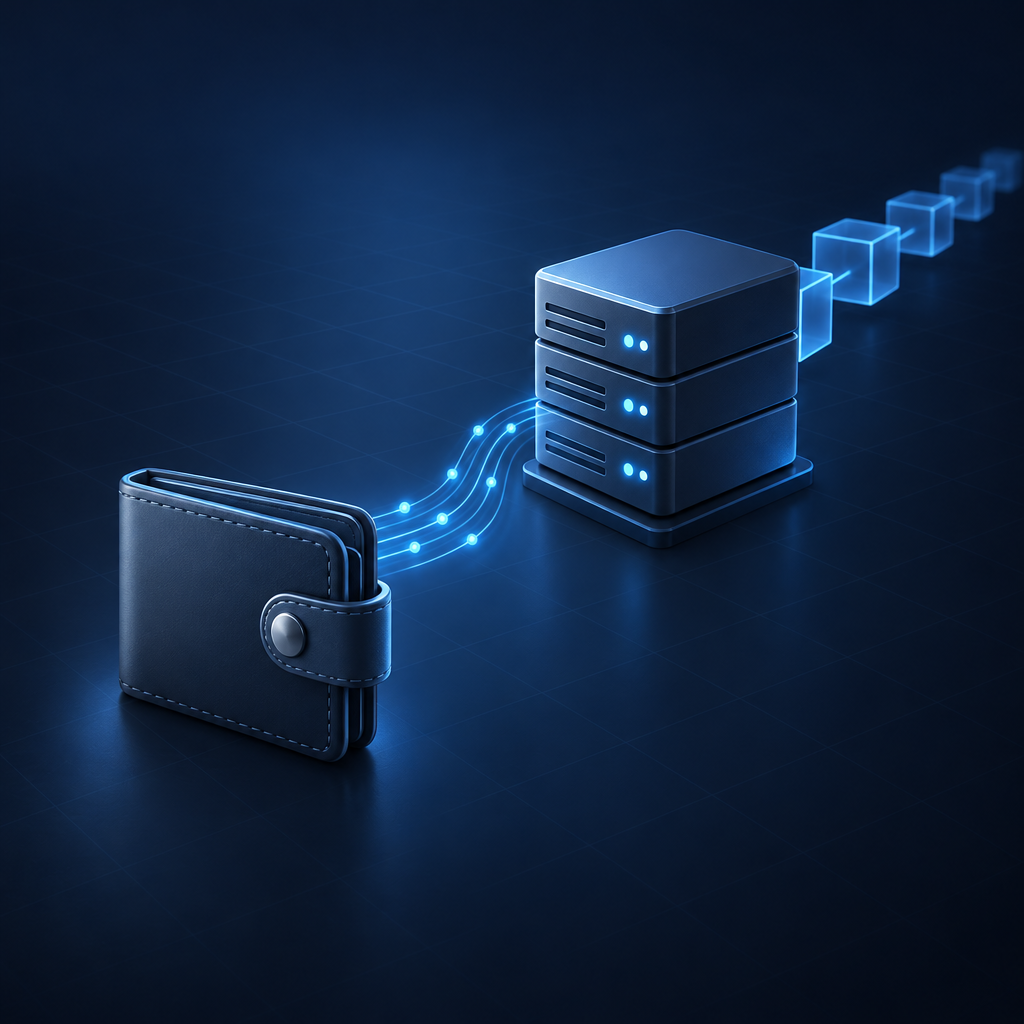
Running your own Monero node gives you control over blockchain validation and avoids relying on someone else's node responses. Using a third-party remote node reduces storage and maintenance requirements, making it practical for phones or occasional wallet use.
"Remote" describes where the node runs, not who owns it. A node on your home computer can be your phone's remote node, while a public endpoint is usually operated by someone else.
| Node setup | Who operates it? | Resource requirements | Main trade-off | When it makes sense |
|---|---|---|---|---|
| Local node on your wallet computer | You | Blockchain storage, bandwidth, and ongoing synchronization on that computer | More setup, but no third-party wallet-to-node connection | Regular desktop use and independent validation |
| Your own remote node | You | Node resources on a separate device or server | Requires secure remote access and maintenance | Several wallets or devices using infrastructure you control |
| Third-party remote node | Another operator | Wallet storage and scanning resources on your device | Operator sees connection metadata and controls the data service | Mobile use or limited storage |
A pruned Monero node can reduce blockchain storage requirements, but it still validates the chain and needs synchronization. Running your own node also does not make all network activity invisible; peers, network providers, or a server host may still observe connections.
What can a Monero remote node operator see?
A Monero remote node operator can observe your connection's source IP address, connection times, and requests. A standard wallet-to-node connection does not send the operator your seed phrase, private keys, or wallet balance.
The distinction is between network metadata and wallet contents. A direct connection exposes the IP address from which requests arrive, and repeated requests can reveal when the wallet is active or catching up with the chain.
| Information | Visible through a standard remote-node connection? | What that means |
|---|---|---|
| Source IP address and connection timing | Yes, for a direct connection | The operator can associate requests with a network connection |
| Requested blockchain data | Yes | Request patterns may reveal synchronization activity |
| A transaction submitted for relay | Yes | The operator can associate the submitted transaction with that connection |
| Seed phrase and private keys | No | Normal node access does not require these secrets |
| Your wallet's complete balance | No | The wallet calculates its balance locally from recognized outputs |
Submitting a transaction through a node creates a useful observation point for its operator, but does not give the operator the keys needed to decrypt your wallet's holdings. Treat third-party nodes as untrusted where your wallet offers that setting; this does not hide your IP address or eliminate metadata analysis.
A malicious node can withhold data, return misleading responses, or refuse to relay a transaction, so confidentiality is not the same as reliability. For the wider distinction between blockchain privacy and information exposed elsewhere, see how Monero privacy works and where information can leak.
Why does a lagging Monero node show the wrong balance?
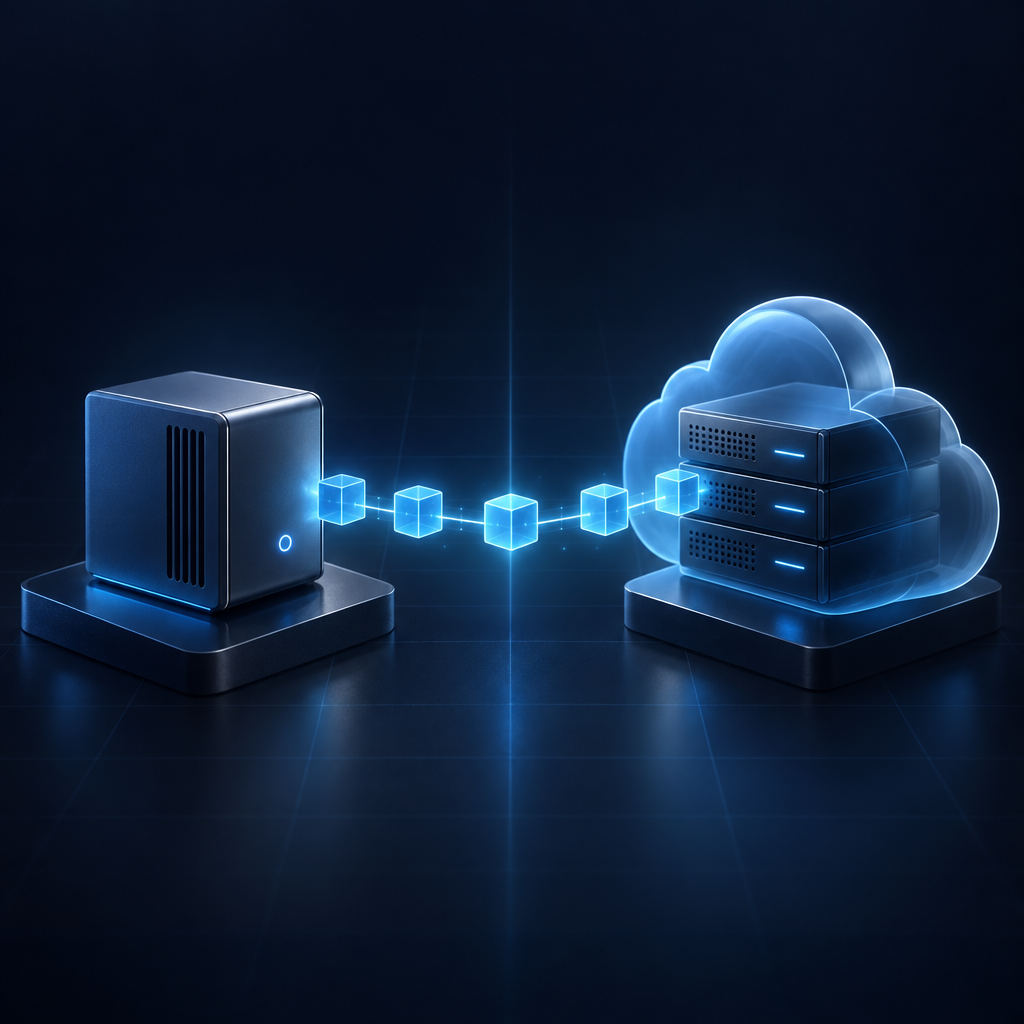
A wallet connected to a lagging Monero node can show an outdated balance because the node has not supplied the blocks containing recent activity. The stale display does not change the blockchain or erase your XMR.
There are two separate synchronization stages: the node must obtain current blockchain data, and your wallet must scan that data. A node can be current while your wallet is still scanning older blocks, so "connected" is not the same as "balance updated."
Missing recent incoming outputs can make the displayed balance too low. A stale wallet view can also miss spending recorded by another instance of the same wallet, making an old balance look higher than the current one.
To identify the synchronization problem:
- Check the node's block height. Compare the node's reported height with an independent current network-height reference, rather than relying only on a connection indicator.
- Check the wallet's scan progress. A wallet that has not scanned through the current chain cannot display all recent activity.
- Reconnect or choose another node if the node is behind. Allow the wallet to refresh after changing the connection.
- Check the restore height if this is a restored wallet. Starting the scan after the payment's block can cause the wallet to miss that payment even when the node is current.
Record your synchronization status before troubleshooting the exchange itself, because a stale display alone does not establish that a payout failed. If the payment is visible but unavailable to spend, see Monero confirmations and the 10-block lock, which is a separate issue from missing blockchain data.
How do you connect a Monero wallet to a remote node?
Connecting a Monero wallet to a remote node requires the node's host address, port, and any required connection settings. The connection belongs in your wallet's node settings and should never require your seed phrase or private keys.
Exact labels vary by wallet, but the official Monero GUI exposes node configuration under Settings > Node in Advanced mode. Use connection details from a source you trust to publish the intended endpoint, while still treating a third-party node as untrusted.
- Open the wallet's node settings. Select the remote-node option rather than starting a local node.
- Enter the host and port. Follow the endpoint's published instructions for any authentication or encrypted-connection settings.
- Keep third-party nodes untrusted. Do not enable a trusted-node option merely because the connection succeeds.
- Connect and inspect synchronization. Check both node status and wallet scanning progress before relying on the balance.
- Refresh after changing nodes. Changing the data source does not replace your wallet or require a new seed.
If you operate your own remote node, configure access deliberately rather than exposing unrestricted administrative interfaces to the internet. Use the restricted RPC interface for wallet-facing access and appropriate access controls for your setup.
How does your Monero node affect an XMR swap?
Your Monero node affects whether your wallet can display an incoming XMR payout or relay an outgoing XMR deposit. The node does not execute the cryptocurrency exchange or determine the swap rate.
For a BTC to XMR exchange, your Monero wallet must scan the block containing the payout before showing the received funds as confirmed. A lagging node can therefore make a completed on-chain payout look missing in your wallet; if the exchange provides a payout transaction ID, keep it while checking node height and wallet scanning progress.
For an XMR to BTC exchange, your wallet needs current blockchain information to prepare the deposit and a working node connection to relay it. Do not assume that an unresponsive node successfully broadcast a transaction, or send a second deposit merely because the wallet display has not refreshed.
SwapRocket does not hold a balance for you and never asks you to connect your wallet; one licensed liquidity provider executes each swap. Choosing a remote node is a separate wallet decision, and SwapRocket is not offered to residents of the United States or the United Kingdom.
Frequently Asked Questions
A standard Monero remote node connection does not require your seed phrase, and switching nodes does not change your wallet's keys. Both a current node and a completed wallet scan are needed for an up-to-date balance.
Can a remote node steal my XMR?
A remote node does not receive the private spend key needed to authorize spending through a standard wallet connection. A malicious operator can still disrupt service or provide misleading data, so keep your wallet updated and never give a node operator your seed phrase.
Does a remote node need my private view key?
A standard Monero remote node does not need your private view key because your wallet scans the blockchain locally. A service that requests a view key to scan on your behalf uses a different trust model and can expose incoming-payment information.
Does switching nodes change my Monero address?
Switching Monero nodes does not change your wallet's keys or existing addresses. The replacement node supplies blockchain data to the same wallet, although the wallet may need time to catch up before its display is current.
Can I receive XMR while my wallet is offline?
Monero can be sent to your address while your wallet and its node connection are offline. Your wallet discovers the payment when it reconnects to a sufficiently synchronized node and scans the relevant blockchain data.
Why is my wallet still syncing after I select a synced node?
A synchronized node has current blockchain data, but your wallet still needs to scan that data for outputs belonging to you. Restoring an older wallet can require scanning a substantial history even when the remote node itself is fully current.
Do I need a node with a Monero hardware wallet?
A Monero hardware wallet still needs wallet software connected to a node to obtain blockchain data and relay signed transactions. Hardware key storage does not replace node access; the node can be local or remote.
What should you check before an XMR swap?
Before an XMR swap, check that your selected node is current and your wallet has finished scanning. For an outgoing XMR deposit, also check the wallet's available balance rather than relying only on its total balance.
Explore Monero exchanges on SwapRocket when your wallet is synchronized and your receiving address is ready. You send from your own wallet, and the swapped coins go to the address you provide.
Related guides