
A Monero private view key is a secret that, together with the wallet's public address information, lets compatible software identify incoming outputs and read their amounts. It cannot spend XMR or, by itself, reveal a complete outgoing payment history or reliable spendable balance. On SwapRocket, you can exchange XMR for other cryptocurrencies or swap other coins to XMR, sending from your own wallet and receiving at the address you provide.
Key points
- A private view key enables incoming-payment scanning, not spending authorization.
- A view-only wallet needs additional information, such as signed key images, to identify spent outputs reliably.
- A transaction key is transaction-specific secret data, not the wallet's private view key.
- A tx proof can verify payment to a specified address without disclosing a wallet-wide private view key.
What is a Monero private view key?
A Monero private view key enables a wallet to recognize outputs addressed to it and decode their amounts when used with matching public address information. The private view key is a 32-byte secret, commonly displayed as 64 hexadecimal characters.
Monero payments use one-time output addresses rather than publishing the recipient's normal wallet address directly on the blockchain. A scanning wallet combines the private view key with transaction public-key data and the wallet's public address information to find its outputs. A view-only wallet performs this scanning without holding the private spend key.
A standard Monero address contains public spend and public view keys, not their private counterparts. Sharing your receiving address therefore does not give someone the scanning access provided by your private view key.
What can a Monero view key see, and what can't it see?

A Monero private view key can reveal wallet-owned outputs and their amounts, but it cannot authorize spending. A view key alone cannot establish which outputs remain unspent, reconstruct a complete outgoing payment history, or reveal outgoing recipients.
Change outputs returning to the wallet can also be visible, but the view key alone does not reliably label them as change. Seeing an owned output is not the same as knowing the complete payment that created it.
Monero records spent inputs through key images, which a view-only wallet cannot derive from the private view key alone. Importing signed key images from the spending wallet lets compatible view-only wallets determine which known outputs have been spent. Those key images do not reveal outgoing recipient addresses from the blockchain alone.
Scanning also depends on the correct public address information, subaddress coverage and block range. Sharing a private view key can expose older and future incoming payments within that scope, not just the payout you are investigating.
A private view key does not, by itself, reveal an incoming sender's address or real-world identity. For the broader distinction between blockchain privacy and information exposed elsewhere, see how Monero privacy works and where it leaks.
How is a Monero transaction key different?
A Monero transaction key, often called a tx key, is transaction-specific secret data created by the sending wallet. Given the transaction ID, the necessary transaction secret keys and a recipient address, a verifier can check whether that transaction paid the address and determine the amount.
Some transactions use a main transaction secret key plus additional transaction secret keys. A wallet's exported tx-key data may therefore contain more than one key; do not assume every transaction has only one secret to check.
| Item | What it reveals or enables | Can it authorize spending? |
|---|---|---|
| Private view key with public address information | Scanning owned outputs and amounts, but not spent status by itself | No |
| Private spend key | Spending authority when used with the necessary wallet data | Yes |
| Transaction secret key data | Checking amounts sent to supplied recipient addresses in that transaction | No |
| Transaction ID | Identifying the blockchain transaction, without publicly disclosing payment recipients or amounts | No |
| Transaction proof | Verifying payment to a specified address using the transaction ID and proof | No |
In monero-wallet-cli, check_tx_key checks a payment locally using supplied tx-key data. A sender-generated tx proof provides transaction-and-address-specific evidence without publishing those secret keys. If one transaction pays several addresses, sharing raw tx-key data can also expose amounts paid to other known destination addresses in that transaction.
How do you create and verify a Monero tx proof?
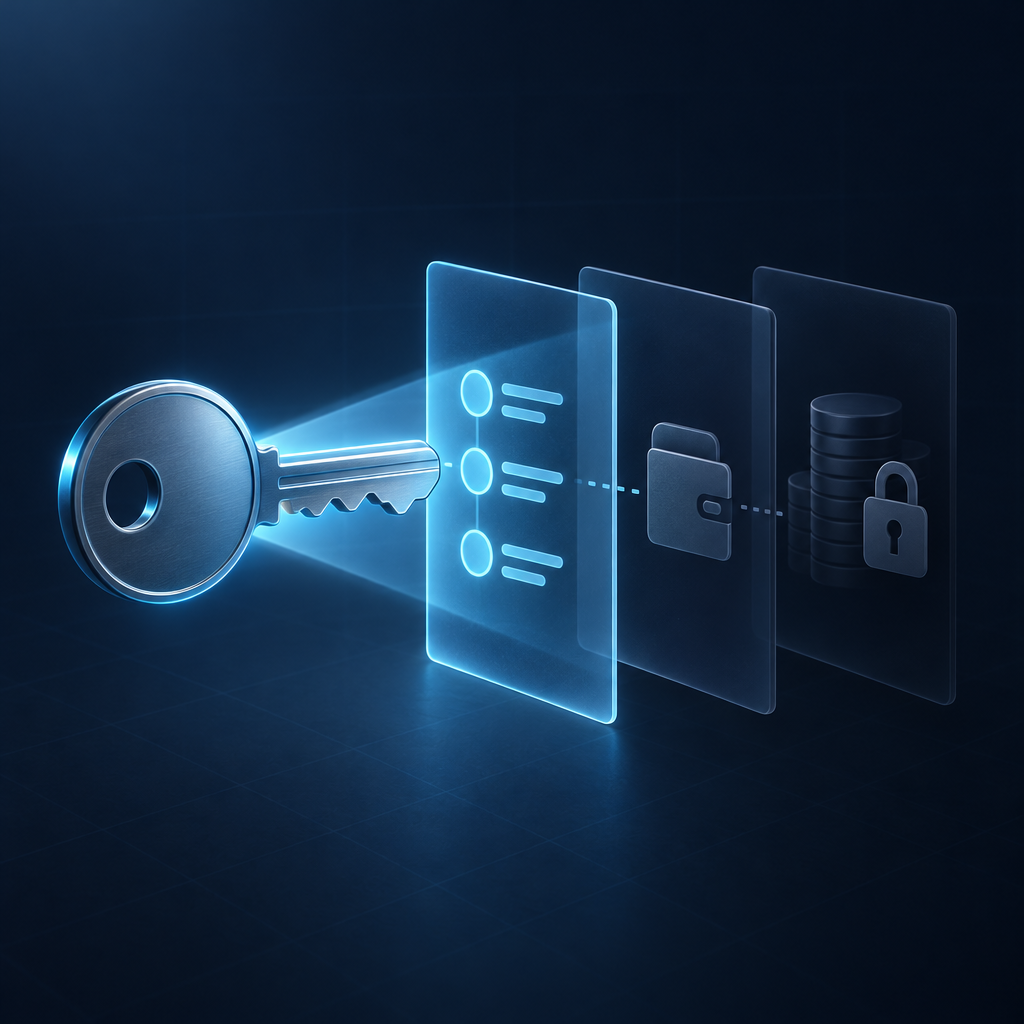
A sender proves a Monero payment by generating an outgoing tx proof for the transaction ID and exact recipient address. The verifier checks that proof against the transaction, using the same optional message if the sender included one.
The following steps use the official Monero command-line wallet. Wallet interfaces may offer equivalent payment-proof controls, but their labels vary.
- Collect the transaction details. Obtain the transaction ID and the exact receiving address, including the correct subaddress if one was used. Open the sending wallet that retains the transaction secret-key data.
- Generate the outgoing proof. Run
get_tx_proof, replacing the placeholders and omitting the optional message if unnecessary. Save the generated proof in a file for verification.[ ] - Share the verification package. Give the verifier the transaction ID, recipient address, proof and exact message, if used. Do not include your recovery seed, private spend key or wallet-wide private view key.
- Check the proof independently. The verifier runs
check_tx_proofwith the saved proof file. Check the validity result, amount received at the specified address and transaction confirmation status.[ ]
A successfully verified proof showing the expected amount establishes payment to that address, subject to checking the transaction's blockchain status. It does not establish the sender's real-world identity, prove that the recipient has synchronized their wallet, or demonstrate that the funds are already unlocked.
How do you check an XMR swap payout?
An XMR swap payout can be checked using the receiving wallet, payout transaction ID and, when needed, a payment proof. In a BTC to XMR exchange, you receive the XMR leg, so an outgoing payout proof must come from the sending side, not your Bitcoin wallet.
SwapRocket uses one licensed liquidity provider to execute each swap. You do not need to disclose your private view key to compare a transaction-specific proof with your intended receiving address.
- Check your receiving wallet's scan coverage. Let the wallet synchronize and confirm that it includes the exact address or subaddress supplied for the payout. If the wallet was restored, its scan must start early enough to include the payout transaction.
- Compare the correct amount. SwapRocket uses floating rates, so compare the payment with the final payout details rather than treating the pre-send estimate as a promised amount. A proof checks what the Monero transaction paid, not what an earlier estimate displayed.
- Request transaction-specific evidence if necessary. Contact support@swaprocket.io with your swap reference and ask for help identifying the payout transaction. If a proof is needed, ask whether the executing provider can supply an outgoing tx proof; do not assume every service exposes tx keys or proof-generation tools.
Finding a payment and being able to spend it are separate checks. For the unlock rule, see why Monero payouts remain locked for 10 blocks.
When should you share a view key instead of a tx proof?
Share a private view key only when someone needs ongoing incoming-payment visibility, not merely proof of one transfer. A transaction-and-address-specific proof is narrower evidence for an invoice dispute, payout investigation or recipient-address check.
A view-only wallet can monitor receipts on an online device while spending keys remain offline. An auditor using only a view key does not automatically receive a complete spending ledger; signed key images and separately retained outgoing records may also be needed. Treat view-key access as disclosure of financial history even though it cannot authorize spending.
Do not paste wallet secrets into a public block explorer to resolve a single payment dispute. Prefer local wallet verification and share only the transaction-specific evidence needed by the relevant party.
Frequently Asked Questions
Monero view keys are sensitive viewing credentials, not spending credentials. Payment verification normally needs much narrower information than access to a wallet's incoming-payment history.
Is it safe to share my Monero private view key?
Sharing a Monero private view key does not grant spending authority, but it can disclose substantial financial information when combined with the matching public address information. Anyone retaining that access may scan older and future receipts within the covered addresses, so share it only for a clear ongoing purpose.
Where do I find my Monero private view key?
In monero-wallet-cli, the viewkey command displays view-key information for a wallet with the relevant key available. Keep that output out of screenshots and support messages; hardware-wallet access to private keys depends on the device and wallet integration.
Does a view-only Monero wallet show the correct balance?
A Monero view-only wallet without up-to-date spent-output information can count already-spent outputs as available. Importing signed key images from the spending wallet and synchronizing the blockchain can correct that limitation in compatible wallets.
Can I recover transaction keys from my Monero seed?
You should not assume that restoring a Monero wallet from its seed will recover historical transaction secret keys or outgoing payment metadata. Preserve the original wallet data securely if you may need to generate outgoing payment proofs later.
Can a recipient create a Monero transaction proof?
A recipient wallet with the appropriate private view key can generate an inbound tx proof for a payment to its address. An inbound proof verifies that the transaction paid that address, not the sender's identity or the recipient's authority over the transaction's spent inputs.
Is a Monero transaction ID enough to prove payment?
A Monero transaction ID identifies a transaction, but it does not publicly reveal the recipient address or payment amount. To verify payment to a particular address, use a suitable tx proof or transaction-key check, or scan the receiving wallet with its private view key.
How can you exchange XMR on SwapRocket?
SwapRocket lets you exchange XMR for other supported cryptocurrencies, or swap supported coins to XMR, without holding a balance for you or asking you to connect a wallet. SwapRocket is not offered to residents of the United States or the United Kingdom. Use the Monero exchange page to choose a pair, and keep payment verification separate from your wallet-wide secrets.
Related guides