A Monero transaction can be confirmed while its received XMR or change stays locked for 10 blocks; wait until your wallet shows those funds as unlocked. If your wallet says "pending" with zero confirmations, check synchronization and the transaction ID on a Monero block explorer before sending again. On SwapRocket, you can exchange XMR for BTC from your own wallet once your XMR is unlocked.
Key points
- Monero's normal 10-block spending lock applies to newly received outputs and change.
- A transaction in a node's pool has not yet been included in a block known to that node.
- An explorer needs the transaction ID for a status check, not the transaction key.
- A sent Monero transaction cannot be cancelled.
Why is my Monero balance locked after a transaction?
An ordinary Monero payment can appear in your balance before it becomes spendable because new outputs have a 10-block lock. Wait for the unlock countdown, and check your wallet's unlocked or available balance rather than its total balance.
Start with the transaction list and balance screen, then use this table to choose the right check. A confirmed payment with locked funds needs a different response from a payment that has never entered a block.
| What you see | Likely explanation | What to check next |
|---|---|---|
| Transaction confirmed, but some XMR unavailable | Newly received XMR or change is still locked | Check the wallet's unlock countdown and unlocked balance |
| Explorer shows confirmations that the wallet does not | Wallet scanning has fallen behind | Compare wallet scan height with node height |
| Explorer shows the transaction in its pool | Transaction has not been mined according to that explorer | Monitor the transaction ID for block inclusion |
| Wallet is synced, but its node has an older height | Connected node is behind the network | Compare node height with independent explorers |
Monero targets one block about every two minutes, so the normal lock is roughly 20 minutes, not a deadline. Waiting for initial block inclusion or wallet synchronization adds separate delays. For asset and network basics, see the Monero (XMR) overview.
How do I check whether my Monero wallet is synced?
A Monero wallet that has not scanned recent blocks can show an outdated balance or transaction status. Let wallet scanning catch up to a current node before treating the display as evidence of a failed payment.
- Check wallet synchronization. In Monero GUI, inspect the wallet and daemon synchronization indicators; other wallets may show scanned height, blocks remaining or a progress bar.
- Compare wallet height with node height. If the wallet is behind its connected node, keep the wallet running and allow scanning to finish.
- Recheck the transaction list. Open the relevant payment and compare its transaction ID and confirmation status with a Monero mainnet explorer.
Being connected to a node does not mean the wallet has finished scanning that node's blocks. Equally, a wallet can finish scanning an outdated node and still lack the network's latest information.
Avoid restoring the wallet or starting a full rescan as your first troubleshooting step. If normal scanning finishes but the payment remains missing, confirm that you opened the correct wallet and gave the sender the expected receiving address.
Why is my Monero transaction still in the pool?
A Monero transaction in a node's transaction pool is unconfirmed: the node knows about the transaction but has not seen it included in a block. The spending-lock countdown cannot finish while the payment is still waiting for block inclusion.
- Copy the transaction ID from the sending wallet. Use the transaction hash, not a swap order number or receiving address.
- Search a Monero mainnet block explorer. Look for a pool or unconfirmed status instead of a block height and confirmations.
- Cross-check a missing result. If the explorer says "not found", check another current explorer or a synchronized node, because nodes can have different pool contents.
- Inspect the sending wallet's status. If no current source finds the transaction, check for a failed or unbroadcast status and consult the wallet's documented rebroadcast procedure, if available.
Monitor the original payment rather than creating another payment just because the first is slow. For fee selection before a future payment, see how Monero transaction fees work.
How do I check whether my Monero node is behind?
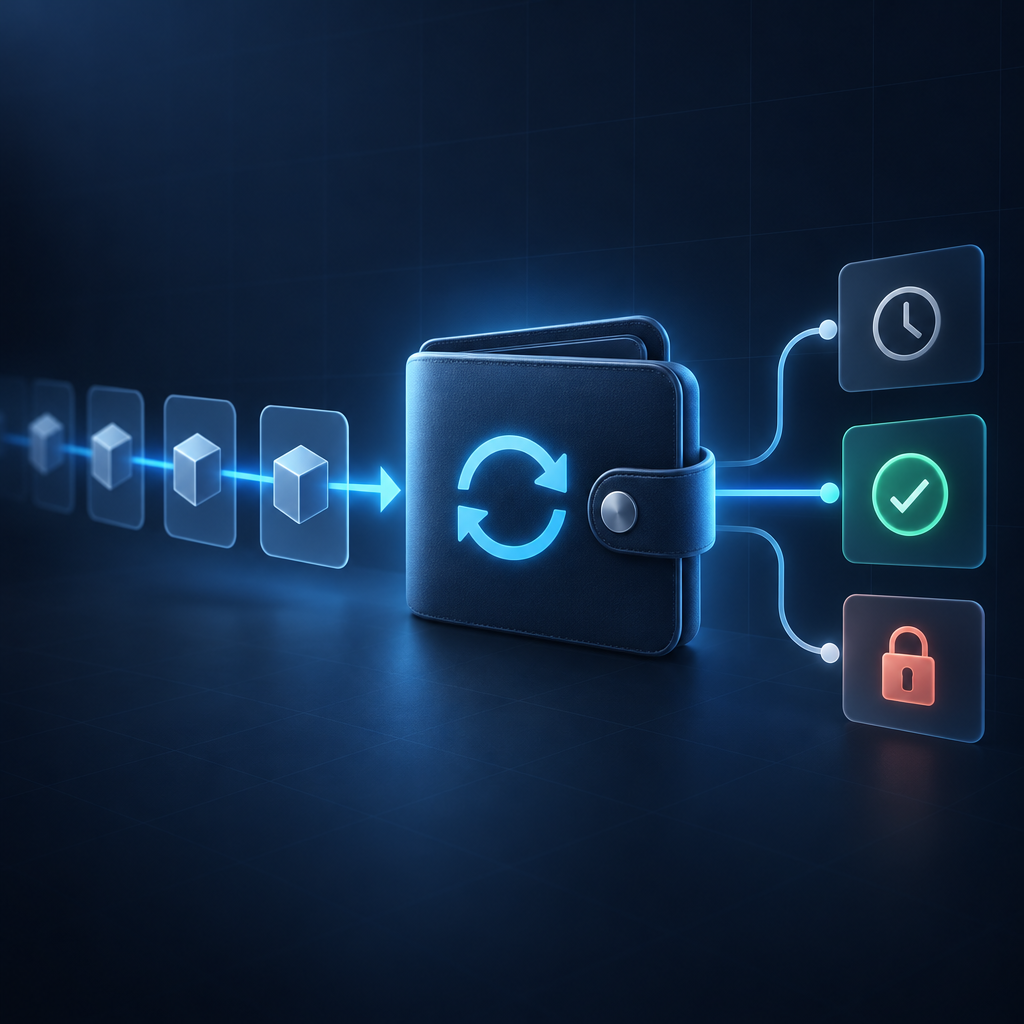
A Monero node is behind when its local blockchain height trails the current network height and is not catching up. A wallet connected to that node can report old information even after finishing its own scan.
- Find the connected node's height. Check the wallet's node or daemon status, or your local daemon's synchronization output.
- Compare independent sources. Look at the latest block heights reported by current Monero mainnet explorers; a brief difference can occur as a new block propagates.
- Watch whether the node advances. If explorer heights keep increasing while your node remains stuck, investigate its connection and synchronization, or select a trusted, synchronized remote node through your wallet's settings.
After the node catches up or you change nodes, allow the wallet to scan any missing blocks. Changing nodes can fix stale information, but it cannot remove the normal spending lock or reverse a payment.
How do I check a Monero transaction with an explorer and transaction key?
A Monero explorer can check block inclusion using the transaction ID alone. A transaction key is used to check a claimed payment to a particular address, not to look up confirmations.
- Find the transaction ID in the wallet. Open the payment details and copy the full hash; a recipient can ask the sender for it.
- Check public status first. Search a Monero mainnet explorer and record whether the transaction is in a block, in that explorer's pool or not found.
- Obtain payment evidence only if needed. If you sent the XMR, look for a transaction-key or payment-proof option in the sending wallet; availability and menu names vary.
- Use the explorer's transaction-key verification option, if supported. Supply the transaction ID, exact receiving address and transaction key, following that tool's instructions.
- Separate receipt from spendability. A successful payment check does not mean the recipient's wallet has completed scanning or that the received outputs are already unlocked.
Monero's public blockchain does not openly display recipient addresses and transferred amounts, so a normal explorer result cannot establish those details by itself. If you received the payment, start by asking the sender for the transaction ID rather than assuming your wallet should provide the sender's transaction key.
Entering a transaction key and receiving address into a website can disclose payment details to its operator; never enter your seed phrase, private spend key or private view key into a public explorer. For disclosure risks and proof alternatives, see Monero transaction keys and payment proofs.
Can I cancel a pending Monero transaction?
A sent Monero transaction cannot be cancelled, and a confirmed Monero payment cannot be reversed. Closing the wallet, deleting local history or switching nodes does not withdraw a broadcast transaction from other nodes.
An unconfirmed transaction may eventually disappear from a particular node's pool, but that disappearance is not proof that the transaction cannot still be mined elsewhere. Do not treat an explorer's missing result as permission to send a duplicate payment.
Wallet reset or rescan tools change the wallet's local understanding of the blockchain, not the blockchain itself. If a failed transaction leaves funds apparently reserved, use the wallet's documented recovery process or ask wallet support to investigate before creating a replacement.
When should I contact support about pending XMR?
Contact wallet support when a current node and completed wallet scan still disagree with independently checked transaction status. For a payment connected to a SwapRocket swap, contact support@swaprocket.io if the order status needs investigation after these checks.
- Collect identifiers. Include the transaction ID and, for a swap, the order ID.
- Record the network result. Note the explorer's block height and confirmations, pool status or missing result, along with when you checked.
- Record wallet and node status. Include the wallet name and version, synchronization progress, node height and any relevant error message.
- Describe the exact symptom. Distinguish a missing transaction, zero confirmations and a confirmed payment whose balance remains locked.
For order-level checks beyond the Monero transaction, use the stuck crypto swap troubleshooting guide. Do not include seed phrases or private wallet keys in a support request, and redact unrelated information from screenshots.
Frequently Asked Questions
A pending label in a Monero wallet does not, by itself, establish whether a payment failed. The transaction's block status and the wallet's unlocked balance answer different questions.
Why did sending XMR lock the rest of my balance?
A Monero payment can spend an existing output and return the unused portion to you as change. That change is a new output with the normal 10-block lock, while other already-unlocked outputs can remain spendable.
Why does the explorer show confirmations but my wallet does not?
A block entry on a current Monero explorer indicates that the transaction was included in a block, even if your wallet has not caught up. Check both wallet scanning and the connected node's height before assuming the payment failed.
Can I close my Monero wallet while a transaction is pending?
A Monero transaction that has been successfully broadcast can be mined while your wallet is closed. Reopen and synchronize the wallet later to see the updated status.
Is it normal for Monero to stay pending for hours?
Hours of waiting should prompt wallet and node checks rather than assuming the normal spending lock explains everything. Determine whether blocks have accumulated since inclusion, whether the payment is still unconfirmed or whether your wallet has stopped scanning.
Do I need a transaction key to receive Monero?
You do not need the sender's transaction key to receive XMR. Your Monero wallet recognizes incoming payments by scanning the blockchain with its own wallet keys; transaction-specific evidence is useful when checking a disputed or missing payment.
Can a Monero accelerator unlock my balance faster?
No service can shorten Monero's normal 10-block spending lock. Do not share wallet secrets or pay someone who promises to bypass that lock.
When your wallet shows unlocked XMR, you can exchange XMR for BTC from your own wallet. SwapRocket sends the swapped coins to the address you provide, does not hold a balance for you and never asks you to connect a wallet. The service is not available to residents of the United States or the United Kingdom.
Related guides