A Monero wallet manages the keys used to receive and spend XMR, with official desktop, lightweight desktop, mobile and hardware-backed options. Your choice depends on your device, whether you want to run a node and whether you use a hardware wallet. On SwapRocket's Monero exchange page, you can swap another cryptocurrency for XMR and receive it at your wallet address. This is SwapRocket's own blog.
Key points
- The official Monero GUI and CLI wallets are open source.
- A Monero wallet can connect to a remote node instead of downloading the full blockchain locally.
- Hardware-backed Monero wallets require compatible host software.
- SwapRocket exchanges cryptocurrencies but does not hold a wallet balance for you.
Monero wallet comparison: platforms, nodes and hardware
Monero wallets differ in platform, node connection, source-code availability and hardware integration. SwapRocket appears under the same attributes below so you can distinguish an exchange service from a wallet that manages your keys.
| Option | Platform | Runs or connects to a node? | Open source? | Hardware support |
|---|---|---|---|---|
| Official Monero GUI | Windows, macOS, Linux | Can run a local node or connect to a remote node | Yes | Supported Ledger and Trezor devices |
| Official Monero CLI | Windows, macOS, Linux | Connects to a local or remote Monero daemon; the daemon runs separately | Yes | Supported Ledger and Trezor devices |
| Feather | Windows, macOS, Linux | Connects to a remote node or your separately operated local node | Yes | Supported Ledger and Trezor devices |
| Cake Wallet, mobile editions | iOS, Android | Connects to a remote node, including your own reachable node | Yes | Ledger integration on supported device and OS combinations |
| Monerujo | Android | Connects to a remote node, including your own reachable node | Yes | Supported Ledger devices through Android USB OTG |
| Hardware-backed Monero GUI or CLI | Supported hardware device plus Windows, macOS or Linux host | Host software connects to a local or remote node | Host wallets are open source; device firmware varies | Examples include Ledger Nano S Plus and Trezor Model T |
| SwapRocket | Web; no phone apps in stores | No user node setup; one licensed liquidity provider executes each swap | Not specified in this comparison | No wallet connection; uses the receiving address you provide |
Hardware support does not mean every device from a manufacturer works with every wallet release. Check the exact model, operating system and connection method before choosing a setup; the table makes no claim about SwapRocket's source-code availability.
Which Monero wallet suits your setup?
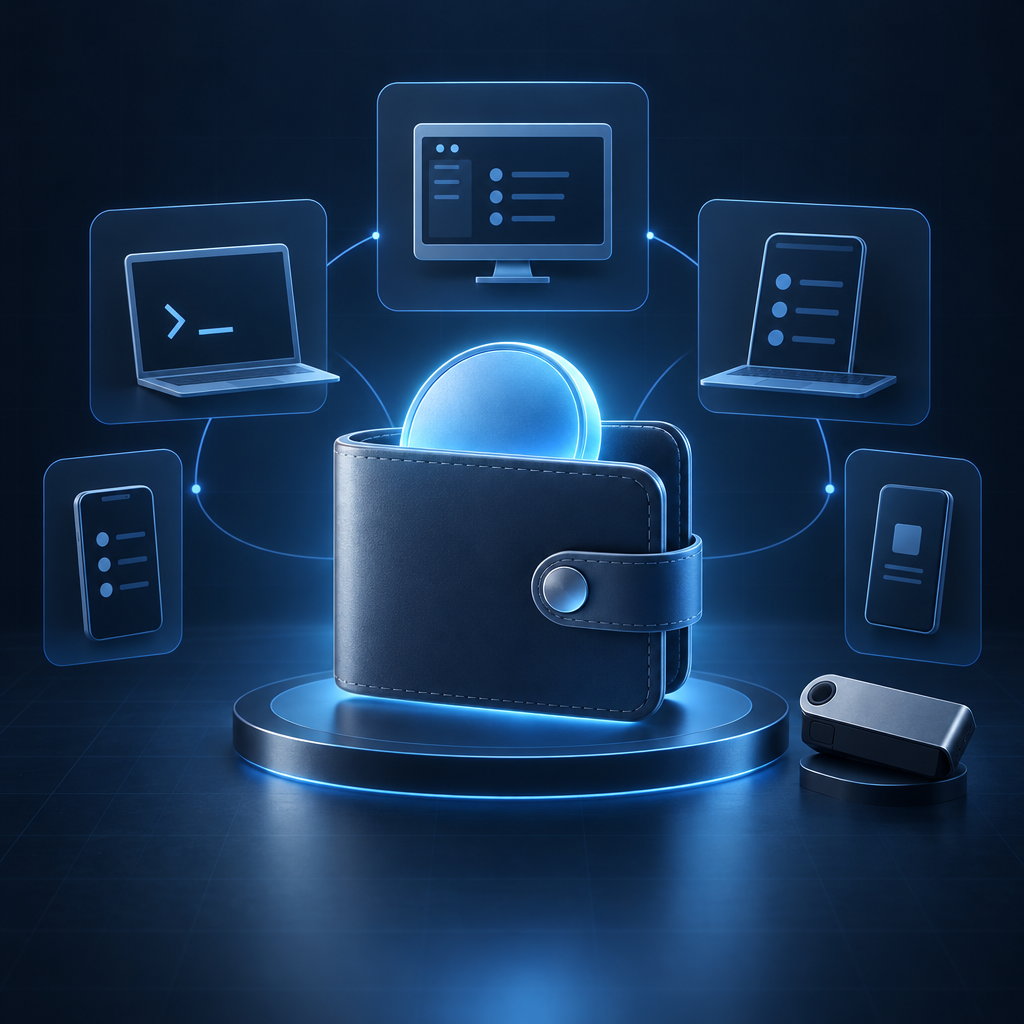
The official GUI suits a visual desktop workflow, while the CLI suits terminal users who want explicit commands. Feather suits desktop users who want a lightweight interface without operating a bundled full node.
Monero GUI gives you graphical screens for receiving, sending and managing your wallet, with local-node and remote-node configurations. Monero CLI provides those core wallet functions through commands, making it a better fit if you are comfortable managing files, daemon connections and terminal output.
Feather suits a desktop setup where you want a focused Monero wallet and a separate choice of node. Cake Wallet suits iPhone and Android users, while Monerujo suits Android users, including those with a compatible Ledger USB setup.
A hardware-backed wallet suits you if keeping spending keys on a separate signing device is a priority. It adds device compatibility and backup responsibilities rather than eliminating the need for wallet software. For the broader storage model, see the cold wallet basics guide.
SwapRocket is not an alternative to these wallets. It suits the exchange step after you have created a receiving wallet: you send from your own wallet, and the swapped coins go to the address you supply.
Does a Monero wallet need a local node?
A Monero wallet needs access to a node, but that node does not have to run on your device. A local node downloads and validates blockchain data, while a remote node supplies data over a network connection.
The wallet and the node have different jobs: the wallet manages keys and identifies your payments, while the node maintains or supplies blockchain information. Running your own node requires storage, bandwidth and synchronization time. Connecting to a remote node avoids maintaining the blockchain locally, which is practical on phones and smaller computers.
A lightweight desktop wallet is not automatically a service that scans payments on your behalf. Feather, for example, connects to a Monero daemon and performs wallet scanning locally. When comparing other light-wallet designs, check whether a server receives a private view key, because that changes what the server can observe.
A remote-node operator can observe connection metadata, including the IP address connecting to it. Remote-node use is therefore a trust decision, not an anonymity guarantee, and no node should need your recovery phrase or private spend key.
How do you receive swapped XMR in each Monero wallet?
To receive swapped XMR, copy a receiving address from your Monero wallet and enter it as the swap's payout address. You never need to connect that wallet to SwapRocket.
Prepare the receiving address before opening the BTC to XMR exchange or another XMR pair. The wallet-specific instructions below concern the XMR destination, not the cryptocurrency you send to fund the swap.
Official Monero GUI
Monero GUI displays receiving addresses on its Receive screen. Select the intended wallet account before copying an address.
- Open Receive, then select an existing receiving address or create a new subaddress.
- Copy the full address into the swap's XMR destination field and compare it with the address still displayed in Monero GUI.
Official Monero CLI
Monero CLI creates receiving subaddresses through the address command. You can generate an address without exposing a private key to the swap service.
- In the intended wallet account, run
address newto generate a new subaddress. - Copy the resulting address into the XMR destination field, excluding labels or other terminal output.
Feather
Feather provides a Receive tab for choosing or creating receiving addresses. Feather still needs a working node connection and wallet synchronization to display the incoming payment.
- Open Receive and select or create the address you want to use for the payout.
- Copy that address into the swap form and keep a local label if you want to identify the payment later.
Cake Wallet on mobile
Cake Wallet can manage different cryptocurrencies, so you must open a Monero wallet before copying an address. An address copied from another coin's wallet is not an XMR destination.
- Select your Monero wallet and open Receive.
- Copy its address, paste it into the swap's XMR destination field and compare the pasted value with the wallet display.
Monerujo on Android
Monerujo displays an address through its receiving interface. Make sure you have opened the intended wallet if you maintain more than one.
- Open the wallet and select Receive, choosing the account or receiving address you want to use.
- Copy the address into the swap form and return to Monerujo to monitor the payout after synchronization.
A supported Ledger or Trezor setup
A hardware-backed Monero wallet receives through an address generated by compatible host software. The hardware device protects signing keys; it does not replace the host wallet's receiving interface.
- Open or create the hardware-backed wallet in compatible Monero software, following the setup for your specific device.
- Obtain its receiving address and verify it on the hardware device where supported before entering it in the swap form.
- Never import the hardware wallet's recovery phrase into a software wallet merely to receive XMR.
The device does not need to stay connected for an on-chain payout to arrive. You may need to reconnect it later when your host wallet requires it for synchronization or spending.
What should you check before sending a swap payout?
Before receiving a swap payout, verify the native Monero destination, the wallet you control and the current swap terms. Address-format validation cannot prove that a pasted address belongs to you.
- Use native XMR. Select Monero as the output asset, not an EVM token with a similar name. SwapRocket checks the receiving address against the target network before a swap can start.
- Check the destination and refund details. Compare the complete receiving address with your wallet display. SwapRocket also collects a refund address, which is separate from the XMR payout destination.
- Read the current quote. SwapRocket's pair page shows the live rate and minimum and maximum amounts. Rates are floating, and the pre-send estimate already includes the service fee and payout network fee, with nothing added afterwards.
- Check eligibility and verification conditions. SwapRocket is not offered to residents of the United States or the United Kingdom. Standard swaps require no account, email or KYC, but the licensed liquidity provider screens transactions and can rarely hold a flagged swap and request verification.
An incoming payment can appear before it becomes spendable; see the explanation of Monero's 10-confirmation lock. Keep your swap reference and receiving-address record so you can match the payout to the intended wallet.
Frequently Asked Questions
Monero wallet compatibility requires native XMR support, not simply support for other cryptocurrencies. These answers cover common wallet setup and receiving questions.
Is there an official Monero wallet?
The Monero project provides the open-source Monero GUI and Monero CLI wallets. The GUI offers a graphical desktop interface, while the CLI uses terminal commands.
Can MetaMask receive Monero?
MetaMask's EVM accounts cannot receive native XMR. A wrapped token on another network is not native Monero, so use a Monero-compatible wallet for an XMR payout.
Do I need to keep my Monero wallet open to receive XMR?
A Monero wallet does not need to remain open for an on-chain payment to reach its address. The wallet must connect and synchronize later to detect and display that payment.
Can I use the same Monero wallet on my phone and computer?
Compatible Monero wallets can access the same funds when restored from the appropriate recovery material, but seed formats and restoration support differ. Importing spending keys onto another device also gives that device spending authority, so separate wallets may be preferable.
Does a Monero wallet require ID?
The self-custody wallet applications listed here do not require identity verification to generate a Monero receiving address. An exchange service used alongside a wallet has separate eligibility and transaction-screening rules.
Why is my Monero wallet not showing a completed payout?
A Monero wallet may not display a payout until it has scanned the relevant blocks through a working node connection. Check the receiving address, selected wallet and synchronization status before assuming the funds are missing. If the swap itself needs investigation, contact support@swaprocket.io with your swap reference, never your recovery phrase.
Ready to receive XMR in your chosen wallet? Open SwapRocket's Monero exchange page, review the available pair and current limits, and use your verified Monero receiving address.
Related guides