A no-KYC crypto swap scam almost always follows one pattern: someone gets you to send coins to an address they control, or to hand over the keys to your wallet. Because blockchain transfers cannot be reversed, the loss is final. The pattern is easy to recognise once you know its signs, and the nine red flags below cover the ways it usually shows up.
If the model itself is new to you, read how no-KYC exchanges work first. When you are ready to swap, start from the real SwapRocket exchange page, opened from your own bookmark.
- Open swap sites from a bookmark, never from an ad or a link someone sent you.
- Real support does not message you first and never needs your seed phrase.
- Nobody legitimate asks you to "send first to verify" or to pay to release a swap.
- A guaranteed rate or a guaranteed profit is the sales pitch of a scam.
- A swap that works by deposit address does not need you to connect a wallet or approve anything.
- Check the first and last characters of every address after you paste it.
Why crypto swap scams target no-KYC users
A wallet-to-wallet swap has no account, no login and no chargeback. That is what makes it quick, and it is also what makes it easy to impersonate: a fake page only has to show you a deposit address, and a fake support agent only has to sound helpful for a few minutes.
None of this makes account-free swaps unsafe by nature. It means that some of the checks a bank would run for you are checks you run yourself. Each red flag below comes with the habit that defeats it.
The 9 red flags of a crypto swap scam
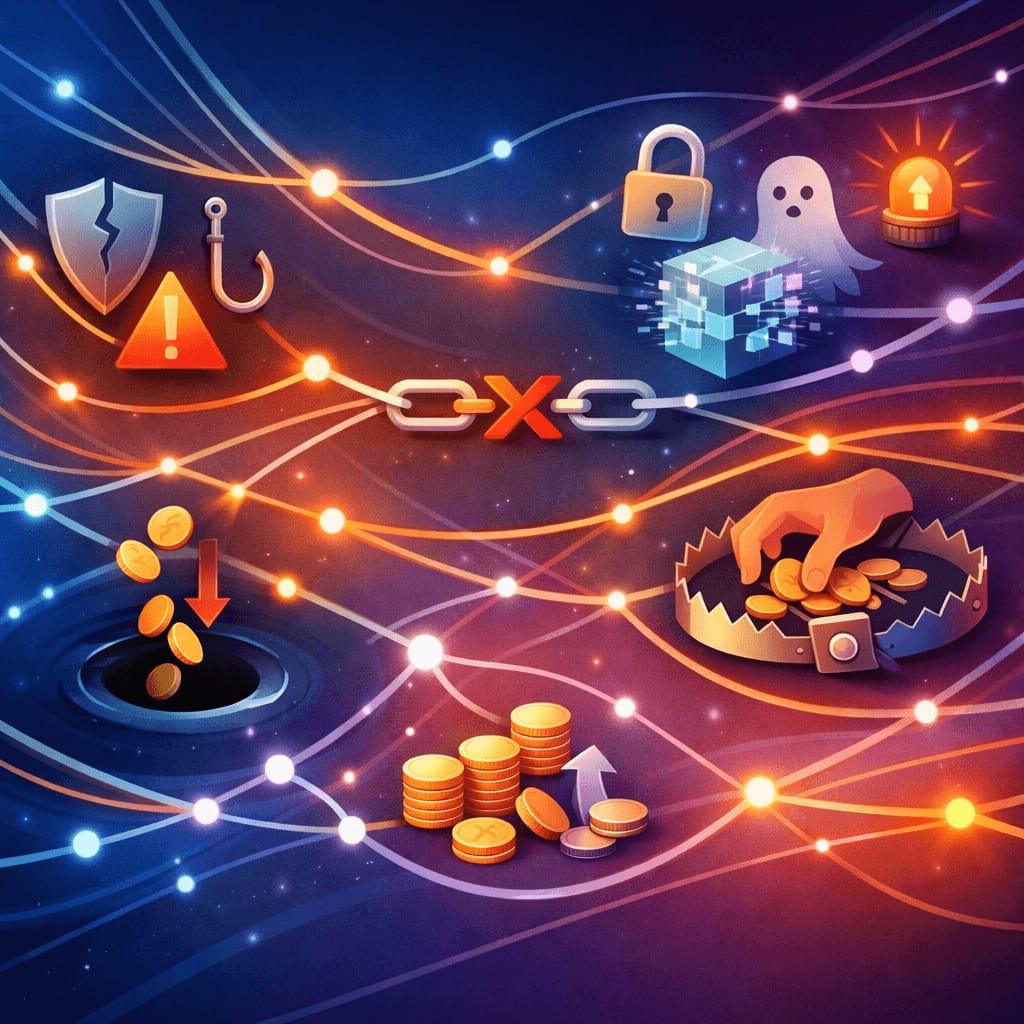
1. A look-alike domain or a sponsored result above the real site
What it looks like: You search for a swap service and click the top result. The page has the right logo, colours and layout. The address bar is off by one detail: a swapped or doubled letter, an added hyphen or word, or a different ending after the dot. Sponsored results are a common place to meet these copies, because an advertiser can pay to appear above the real site.
What to do:
- Type the address yourself once, check it letter by letter, and bookmark it. Use the bookmark every time after that.
- Do not reach a swap site through search ads, social media replies or links in messages.
- SwapRocket's only domain is swaprocket.io.
2. "Support" that contacts you first
What it looks like: You mention a slow swap in a public chat or on social media, and within seconds an account called "Support" or "Admin" sends you a direct message. It has the logo, a friendly tone and a link to a "ticket form".
What to do:
- Treat any support contact that you did not start as fake. Real support answers requests. It does not go looking for them in your direct messages.
- Start from the site in your bookmark and use the help route shown there. The FAQ covers the usual "is this normal?" moments.
- Have your swap ID and the transaction hash of your deposit ready. Those are safe to share with real support, and nothing more from your wallet is needed.
3. A request for your seed phrase, private key or screen
What it looks like: "To sync your wallet", "to validate your address" or "to process the refund", you are asked to type your recovery phrase into a form, read it out, or install remote-access software so an agent can fix the problem for you.
What to do:
- Never share a seed phrase or private key with anyone, for any reason. A swap needs a receiving address and nothing else from your wallet.
- Never give remote access to a device that holds a wallet.
- If you have already typed your phrase anywhere, move the funds to a new wallet with a new phrase straight away.
4. "Send first to verify"
What it looks like: Before a swap, a refund or a payout can go ahead, you are told to send a small amount "to verify your wallet", "to activate the address", "to prove ownership" or "to cover a release fee". After you pay, another fee appears.
What to do:
- Stop at the first request. A swap has one deposit: the amount you chose to exchange, sent to the deposit address shown for that swap. There is no separate verification payment.
- Know what real verification looks like. On SwapRocket, the licensed liquidity provider screens transactions and can, rarely, hold a flagged one and ask for verification. That is a request for information about a swap you started. It is never a request to send more coins.
5. A guaranteed rate or a guaranteed profit
What it looks like: A rate well above the market, "locked" for you. Zero fees. A promise to double what you send. A "risk-free" trick that moves coins between two swap sites for a profit.
What to do:
- Compare the amount you would receive with the market price. An offer far above it is bait.
- Remember that every swap has costs. "Free" means the cost is inside the rate, or that the payout never arrives. Our guide to how swap fees work shows where the costs sit.
- SwapRocket uses a floating rate only. The estimate shown before you send already includes the fee and the payout network fee, and the final amount moves with the market. Anyone offering a guaranteed SwapRocket rate is not SwapRocket.
6. A prompt to connect your wallet or approve a token
What it looks like: A page that presents itself as a deposit-address swap service shows a "Connect wallet" button, then asks you to sign a message or approve spending. A token approval can let a contract move tokens out of your wallet later, without asking again.
What to do:
- Know what the real flow needs. On SwapRocket you paste a receiving address and send a deposit from your own wallet. There is no wallet connection and no smart contract to approve.
- If a site that should not need a connection asks for one, close the tab.
- If you approved something on a site you do not trust, revoke the approval and move the funds to a fresh wallet.
7. An address that is not the one you copied
What it looks like: There are two versions. Clipboard malware replaces a copied address with the attacker's address at the moment you paste. Address poisoning sends you a tiny transaction from an address that starts and ends like one you use, in the hope that you will later copy it from your history.
What to do:
- After every paste, compare the first six and the last six characters with the source.
- Copy receiving addresses from your wallet's receive screen, not from your transaction history.
- Save addresses you reuse in your wallet's address book, with a label.
8. Pressure to act right now
What it looks like: A countdown on an "exclusive" offer. A warning that your funds will be lost unless you act within minutes. A "last chance" message from someone you have never dealt with.
What to do:
- Slow down on purpose. Urgency exists to stop you checking the address bar and the address you pasted.
- Close the page, wait, and reopen the service from your bookmark. If the urgency came from a message, the message was the scam.
9. A download sent to you in the middle of a swap
What it looks like: A "helper tool" that support says you need to finish the swap. A browser extension that will "speed up" the payout. A "wallet update" delivered as a file or a link in a chat.
What to do:
- Do not install anything that someone sends you during a swap. A deposit-address swap is completed by sending coins from the wallet you already have.
- Get wallet software and updates only from the wallet project's official site or from inside the wallet itself.
Before you swap: use the safety checklist
Scams are one half of swap safety. The other half is ordinary mistakes, such as a wrong network, a missing memo or an address from the wrong chain. Those are covered step by step in the crypto swap safety checklist, which is worth running through before any swap on a route you have not used before.
What a real crypto swap asks for, and what a scam asks for

| A real deposit-address swap asks for | A crypto swap scam asks for |
|---|---|
| The pair and the amount | Your seed phrase or private key |
| A receiving address for the coin you want | A wallet connection or a token approval |
| A refund address | A "verification" or "release" payment |
| One deposit to the address shown for that swap | Remote access or a download |
SwapRocket is a crypto-to-crypto swap service for 700+ assets. There is no account to create, no wallet connection and no smart contract to approve. It is non-custodial: your coins go from your wallet to one licensed liquidity provider and back to your wallet. Standard swaps need no KYC, although the provider screens transactions and can, rarely, hold a flagged one and ask for verification. More detail is on the SwapRocket security page.
What to do if you think you have met a crypto swap scam
- Stop sending. Do not pay any further "fee" to get funds back.
- Protect what is left. If a seed phrase or an approval is involved, move the remaining funds to a new wallet created on a clean device.
- Keep the evidence. Save the site address, the messages, the swap ID and the transaction hashes.
- Report the copy. Tell the platform where you found the fake page or account, and tell the service that was impersonated.
- Ignore "recovery agents". Anyone who contacts you promising to get stolen crypto back for an upfront fee is running the second half of the same scam.
Frequently Asked Questions
Are no-KYC crypto swaps a scam?
No. An account-free swap is an ordinary way to exchange one coin for another from your own wallet. The scams are imitations of that model: copied sites, fake support and fake offers.
How do I know a swap site is the real one?
Check the address bar letter by letter, reach the site from your own bookmark, and check that the flow matches what the service says it does. A deposit-address swap that suddenly asks for a wallet connection, a seed phrase or an extra payment is not the real one.
Will a real swap service ever ask for my seed phrase?
No. A swap needs a receiving address, a refund address and your deposit. Your seed phrase and private keys are never part of it.
Can a no-KYC swap still ask me to verify?
Yes, rarely. On SwapRocket the licensed liquidity provider screens transactions and can hold a flagged one and ask for verification. A genuine request concerns a swap you actually started, and it never asks for your seed phrase or for another payment.
Can I get my crypto back after a crypto swap scam?
Usually not, because a confirmed blockchain transfer cannot be reversed. Be especially careful with anyone who offers to recover the funds for a fee paid in advance.
Related reading
Swap from the real site
Bookmark the real page, check the address you pasted, and send one deposit to the address shown for your swap.
- Start your swap: SwapRocket exchange
- Get answers: FAQ