A typical crypto swap on SwapRocket takes 5 to 30 minutes. Almost all of that time is the blockchain confirming your deposit, so the coin you send decides the speed: a deposit on a fast chain sits at the short end of the range, and a Bitcoin deposit sits at the long end.
A swap that seems slow is rarely broken. It is usually waiting for confirmations. This guide explains what controls the time, how to keep it short, and how to tell a slow swap from a stuck one. You can start any pair from the SwapRocket exchange page.
- A typical swap takes 5 to 30 minutes, set mostly by how fast the deposited coin confirms.
- Deposits on fast chains such as Solana, Tron or BNB Smart Chain confirm quickest. Bitcoin is the slowest of the major coins.
- Most delays come from a low network fee, a congested chain, or funds sent on the wrong network.
- Paying a normal network fee on your deposit is the most effective way to save time.
A swap is only as fast as the deposit chain
A swap has three parts, and the total time is their sum:
- Deposit confirmations. Your deposit must be included in a block and reach the number of confirmations required for that coin.
- Execution. A licensed liquidity provider executes the exchange.
- Payout. The swapped coins are sent to the address you entered and appear in your wallet once that chain confirms them.
Take BTC to ETH. Ethereum is fast, but the swap cannot begin until the Bitcoin deposit is confirmed, so Bitcoin sets the pace. On a quiet day the whole thing takes minutes. On a congested day with a low fee, the deposit alone can take an hour or more.
What happens after you press "swap"
- You choose the two coins, enter the amount and your receiving address.
- You send the deposit from your own wallet to the address shown.
- The swap waits for the deposit to be confirmed.
- The exchange is executed at the floating market rate.
- The payout is sent to your address.
Step 3 is where nearly all the waiting happens.
How deposit chains compare
Block times are properties of each network. The last two columns describe what that usually means for a swap.
| Deposit network | Block time | Typical place in the 5 to 30 minute range | Most common cause of delay |
|---|---|---|---|
| Bitcoin (BTC) | About 10 minutes | Long end, and beyond it when the mempool is busy | Low fee, so the transaction waits in the mempool |
| Ethereum (ETH, ERC-20) | About 12 seconds | Short to middle | Gas price set too low during a busy period |
| Tron (TRC-20) | About 3 seconds | Short end | Wrong network selected |
| Solana (SOL) | Under a second | Short end | Wallet or RPC lag, temporary congestion |
| BNB Smart Chain (BEP-20) | A few seconds | Short end | Gas price too low, wrong network selected |
These are expectations, not promises. Fees and congestion change daily, and busy markets make every chain slower.
Why confirmations matter
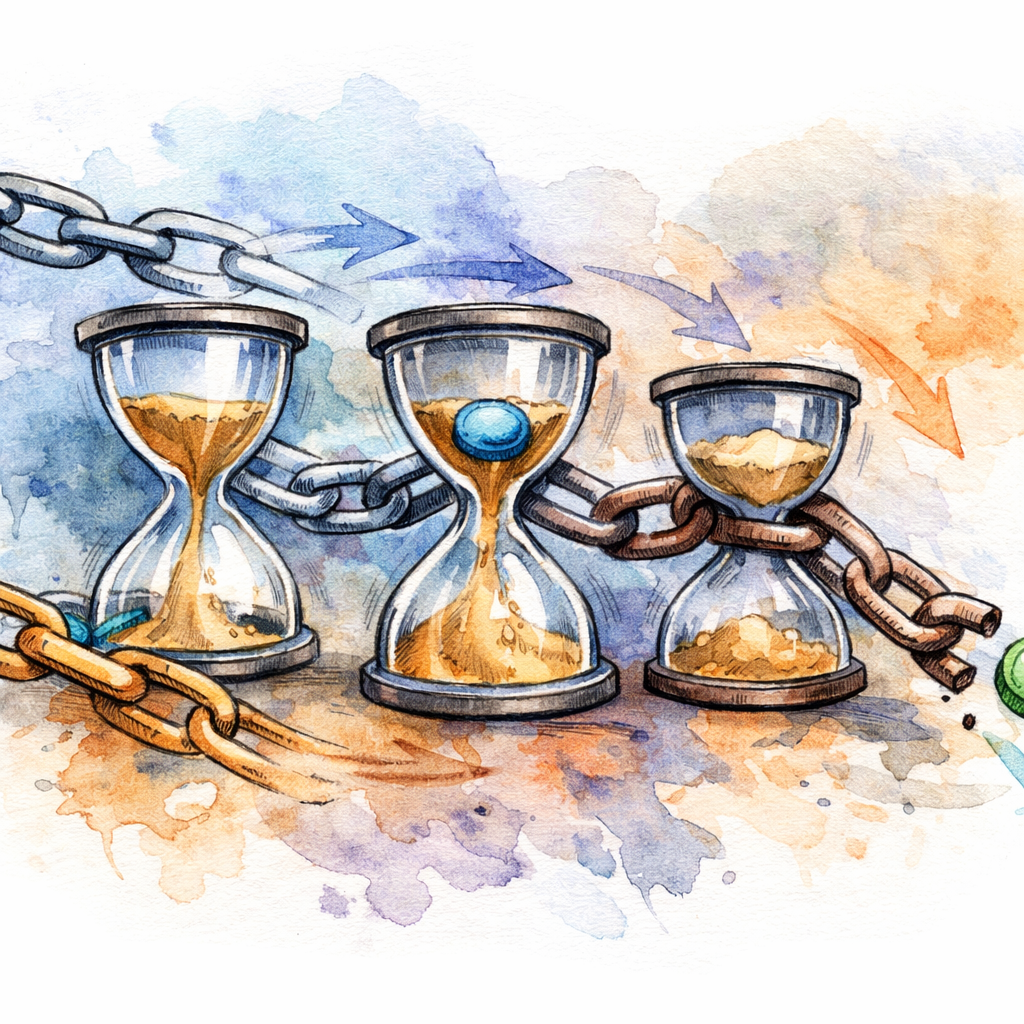
A confirmation is a block built on top of the block that contains your transaction. With zero confirmations the transaction has been broadcast but is not yet in a block. Each further confirmation makes it harder to reverse.
A swap service waits for a set number of confirmations before treating a deposit as final. The number differs by coin, because some chains are easier to reorganise than others, and it balances speed against safety. If you swap from a slow chain to a fast one, the slow chain decides the time.
What slows a swap down and how to fix it
1. The network fee was too low
This is the most common cause, mainly on Bitcoin and Ethereum. The wallet suggested a low fee or you chose the cheapest setting, the network became busy, and the transaction is waiting in line.
What you see: the swap page still says it is waiting for the deposit, and your wallet shows the transaction as unconfirmed.
What to do:
- Wait if you can. Fees often ease within hours.
- On Bitcoin, bump the fee if your wallet supports Replace-By-Fee. See RBF and transaction acceleration.
- Next time, choose the normal or fast fee setting.
Mempool 101 explains why transactions queue.
2. The deposit chain is congested
Even with a reasonable fee, a chain can fill up. Bitcoin still produces a block roughly every ten minutes when thousands of people are moving funds at once, so the queue grows. Check whether your transaction is pending or confirmed. If it is pending with a low fee, speed it up from your wallet. If it is confirmed, the swap continues once the required confirmations are in.
3. More confirmations are needed
Some coins need more confirmations than others, and unusual network conditions can extend the wait. Follow the swap status page. If the deposit has been confirmed for a long time and nothing has changed, email support@swaprocket.io with the swap ID and the transaction hash.
4. The deposit was sent on the wrong network
This is a correctness problem, not a speed problem. The classic case is choosing USDT on Ethereum in the swap form and then sending USDT on Tron, or the reverse. The swap never detects the deposit.
- Do not send more funds.
- Email support@swaprocket.io straight away with the transaction hash, the network and the amount. Recovery is not always possible.
- Before every send, check the network label (ERC-20, TRC-20, BEP-20) and the address format.
The USDT networks guide explains the differences.
5. Your wallet is lagging
On fast chains the delay is sometimes your wallet, not the network. Its connection to the chain may be slow to show an incoming transaction. Look up your address in a block explorer before assuming anything is wrong.
6. The transaction was held for review
SwapRocket has no KYC for standard swaps. The licensed liquidity provider that executes the swap screens transactions and can, rarely, hold a flagged one and ask for verification. If that happens the swap takes longer than the usual range, and support@swaprocket.io can tell you what is needed.
How to get a fast swap every time

Send from a fast chain when you have the choice. If you hold the same value in BTC and in SOL and time matters, the SOL deposit confirms far sooner. Pair pages such as the BTC to ETH exchange, the ETH to USDT exchange and the SOL to ETH exchange show the estimate before you send.
Pay a normal network fee. Saving a small amount on the fee is not worth a long wait, least of all on a large swap. With a floating rate, a faster confirmation also leaves less time for the market to move against the estimate.
Send soon after creating the swap. The estimate is live, and a deposit that arrives much later is priced at the market rate at that time.
Test a new address with a small amount. It adds a step, and it prevents the most expensive mistake in crypto: confidently sending funds to the wrong place.
Watch three things, not the clock. The deposit status (pending or confirmed), the number of confirmations, and the swap status page. Together they tell you exactly where the swap is.
Is my swap stuck or just slow?
The deposit is not confirmed yet
It is a fee or congestion issue. Wait, or bump the fee if your wallet allows it. Do not send a second deposit to "fix" the first one.
The deposit is confirmed but the swap has not moved
It is waiting for further confirmations or for execution. Give it some more time and check the status page. If a confirmed deposit has shown no progress for well over an hour, email support@swaprocket.io.
You think you used the wrong network
Treat it as urgent. Stop, collect the transaction hash, network and amount, and email support. The step-by-step version is in how to fix a pending or failed swap.
Swap service, centralized exchange or DEX: which is faster?
- Centralized exchange. The trade is quick once funds are in your account, but you first create an account, usually pass KYC, wait for the deposit to be credited and then make a withdrawal.
- DEX. You keep custody, and a swap on one chain settles in one transaction. Moving between chains usually needs a bridge and several transactions.
- Swap service such as SwapRocket. You send one coin and receive another at your own address, with no account. The time is the deposit confirmation plus execution and payout, typically 5 to 30 minutes.
If you have not done one before, your first crypto swap walks through the process.
Example: swapping BTC to USDT
This is an illustration of the sequence, not a guaranteed timing.
- You create the swap on the BTC to USDT exchange page and enter your USDT address and its network.
- You send the BTC with a normal fee.
- The deposit is picked up in one of the next blocks and then collects its confirmations. This is the long part.
- The swap executes and the USDT is sent out. On Tron or Solana the payout shows up in your wallet shortly afterwards.
With a normal fee and an uncongested mempool, that sequence fits inside the 5 to 30 minute range. With a low fee on a busy day, step 3 can take much longer.
FAQ
How long does a crypto swap take?
On SwapRocket a typical swap takes 5 to 30 minutes. The time is set mostly by how fast the coin you send confirms on its own network, so deposits on fast chains finish sooner than Bitcoin deposits.
Can I cancel a swap after I send funds?
A blockchain transaction cannot be reversed once it is broadcast. If something looks wrong after you have sent the deposit, email support@swaprocket.io with the swap ID and transaction hash. The FAQ covers the common cases.
Why did one swap take a few minutes and another much longer?
The deposit coin, the network fee you paid and the congestion at that moment were different. A Bitcoin deposit with a low fee on a busy day is the slowest combination.
Does no-KYC mean a faster swap?
Not directly. Skipping account creation and identity checks saves time before the swap starts. The swap itself still waits for blockchain confirmations.
How long does a BTC to XMR swap take?
It sits toward the long end of the usual range, because the Bitcoin deposit needs its confirmations first. A sensible network fee on the BTC transaction is the main thing you control. The pair is on the BTC to XMR exchange page.
Related reading
- Crypto swap stuck? How to fix a pending or failed swap
- Free crypto swap? What "no fee" really costs
- How no-KYC crypto exchanges work
Start a swap
Pick your pair on the SwapRocket exchange, check the network on both sides, and send the deposit with a normal fee. The confirmations do the rest.